Giscus is a comments system powered by GitHub discussions. It’s free, open-source, and easy to set up.
Repository Setup
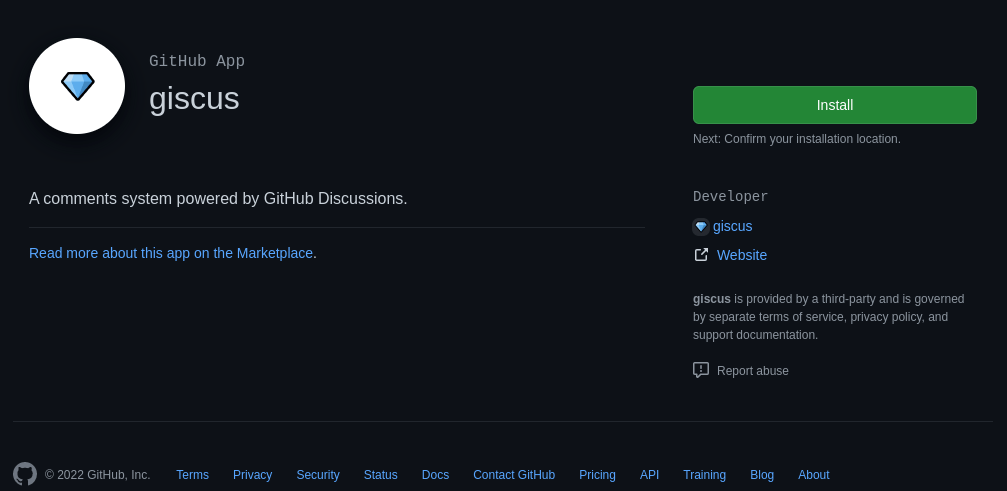
First, you’ll need to make a public repository on GitHub to host the comments. Once created, find the Giscus app on the marketplace and click install. Now enable discussions by navigating to Settings > Optional Features and checking Discussions.
Giscus Config
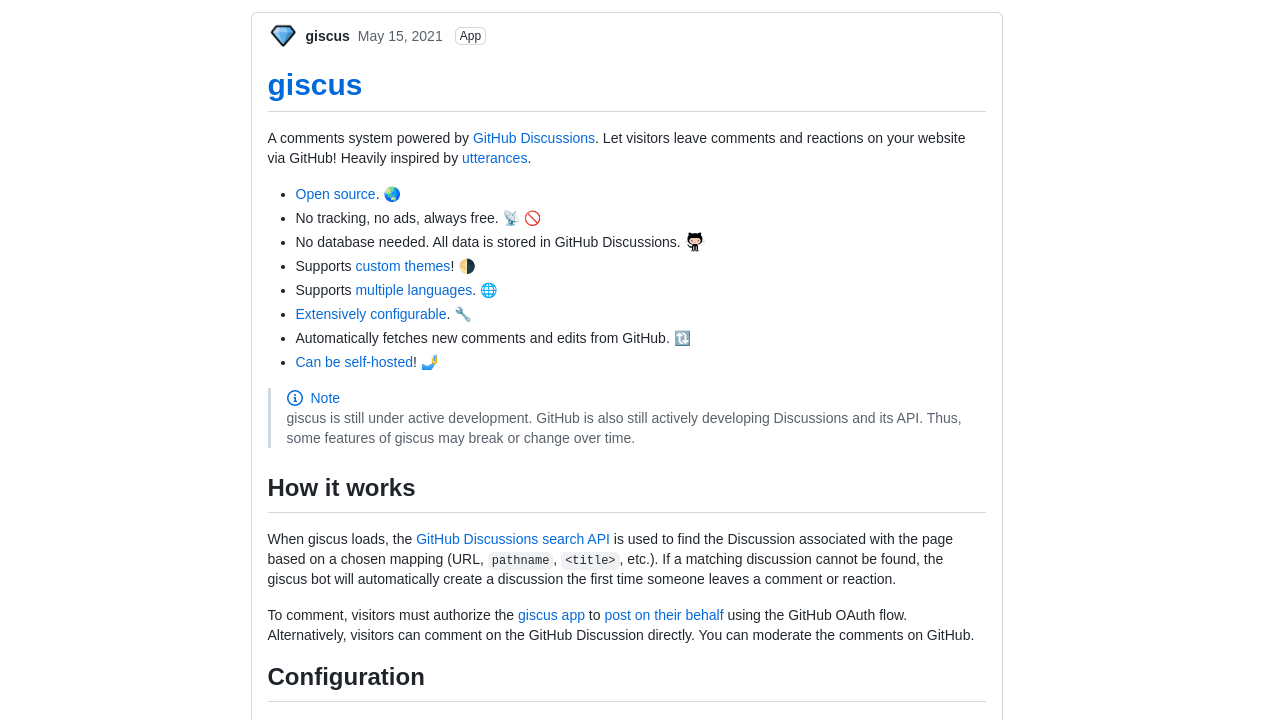
After the steps above are completed, navigate to Giscus Website to get your config. Once you have your config, copy it for the next step.
Adding Comments Layout
Now enable comments in config.yml/toml and save this layout to layout/partials/comments/comments.html. If comments aren’t showing up try moving comments.html to layout/partials/comments.html or refer to theme settings.
Note: replace script block with your config
| |